
Robot Rescue Dot (Gr. 3-5)
Description
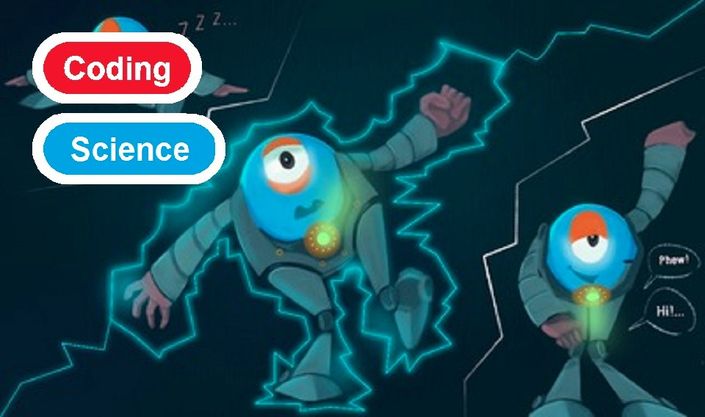
Calling all mad scientists. Enter the Wonder Workshop laboratory, if you dare. Experiment to figure out the code which will reanimate Dot! In this Frankenstein-themed puzzle, students will program Dot to appear to reanimate over a series of 5 challenges.
Objectives
-
Lights - students will understand how to turn All Lights off, by selecting black from the colour menu.
-
Eye Pattern - students will learn to edit Eye Patterns to make Dot appear to smile and how to program Eye lights to turn on one light at a time.
-
Adding blocks - students will learn to add to a program by dragging and dropping blocks.
-
Change by variable - students will understand that variables hold a place for a piece of information that can change and will understand that variables can be edited in increments in the Change by block.
-
When Conditions - students will recognize that when conditions are met in a When block the subsequent command will be executed. Example: When - Clap.
-
Do-Drive - students will edit the Do block from Drive to Eye Light On.
-
If...Else - students will program a two-part conditional. Example: If - the variable is greater than 11, Dot will say Hi! and then execute eye pattern. Else - the variable is less than 11, Dash will make a Weird Beep sound.
-
Sound - students will edit the Weird and Say blocks in Sound with pre-programmed sounds, i.e., Buzz and Hi.
Lesson Procedure
At first, Dot will appear lifeless to the observer, but then, suddenly, "come to life" in a program incorporating an incremental "Change by" variable, i.e., +1 that will be invoked by a When-event, i.e., clap. The second half of this puzzle challenge, introduces students to "If...Else" as conditional statements, as in, "If this condition is met, then this will happen; If not (Else), then this will happen."
Robots & Accessories

Find Out More
Open their eyes to how the world works, coding ideas into adventures.
- Buy Dash and Dot
- Free Apps for Apple and Android
- Tablet Compatibility
- View All Lessons
- Subscribe for Premium Co-Curricular Lessons
- Start a Robotics Coding Club
- Register for the Worldwide Robotics Competition